
Ballgust
Motion design
Ballgust
Motion design
Ballgust
Motion design
Ballgust
Motion design
OVERVIEW
For this project, I was tasked with redesigning a character for "Ballgust," an endless arcade-style game, and crafting sprite sheets that could be used to animate the character in-game. I also took it upon myself to do a bit of UI design because the original design was cluttered and hard to follow.
process
Sketches
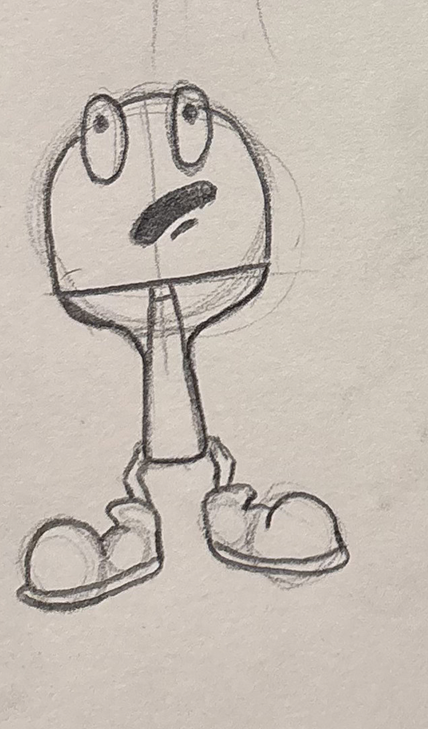
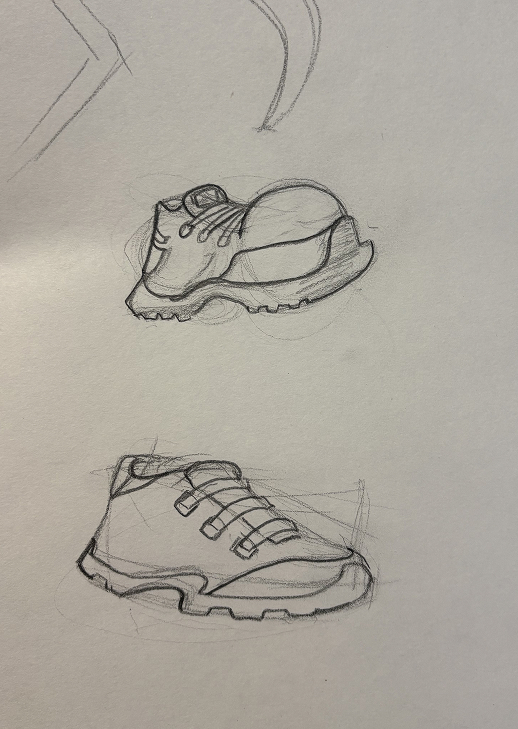
Like all my projects, I first started with a sketching phase. I quickly settled on a ping pong character because it fit the theme of the game well. After finishing my character sketches, I ran the Idea by the client, and we moved forward with this design.
Designing
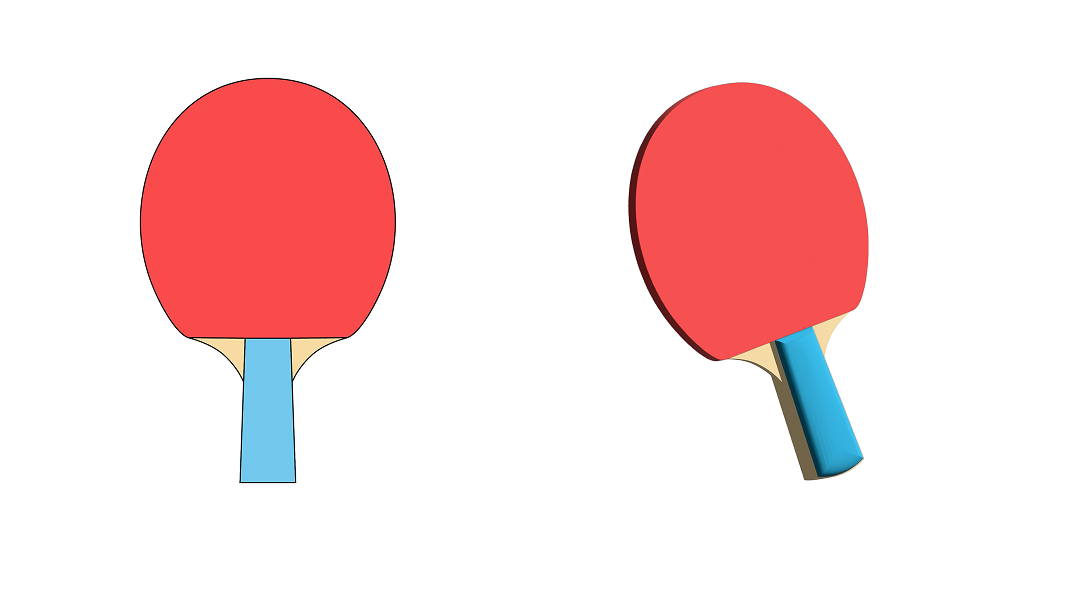
I started the process in Adobe Illustrator with the plan of moving to 3D. After making the paddle vector design, I moved to Project Neo to make the 3D model. I created the rest of the features in Illustrator and imported them into After Effects to begin the rigging process.

Rigging/Animating
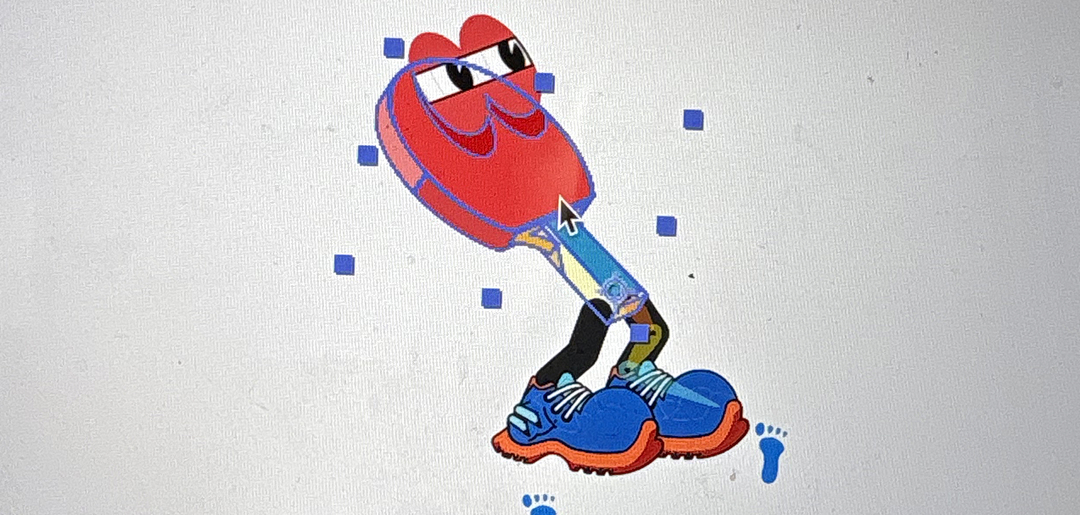
After importing all my assets into After Effects, I began rigging the character using Duik Angela to streamline my process. I created run, jump, and idle animations and exported them as frames so the dev could easily cycle through the animations. The client wanted the game to have a pixilated style, which I learned later in the process. To get this effect, I added the mosaic effect to my animations before exporting my sprites
Sprites
adding a better User experience
After sending over the sprite sheets, I wanted to also enhance the overall readability of the game. While playing a fast-paced game like this, users want to spend more time focusing on keeping the game going and less time worrying about their score. I wanted to allow users the ability to do both while still focusing entirely on the game. In order to do this, I made the score part of the background so it was in line with where the character would be moving around, and in addition to that, I made the background change color every 5 points so the user would be able to keep track mentally. Overall, this improved the user's ability to stay focused while still having an idea of what their current score was.
Thanks for reading!
NEXT PROJECT
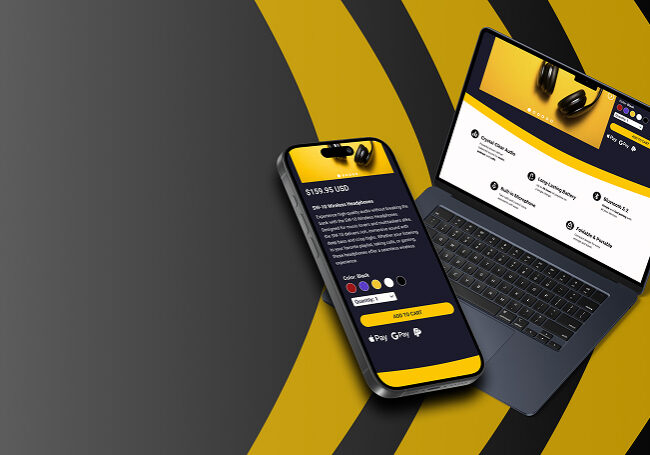
SoundWave
UI
Soundwave is a headphone product page designed for both desktop and mobile platforms.